
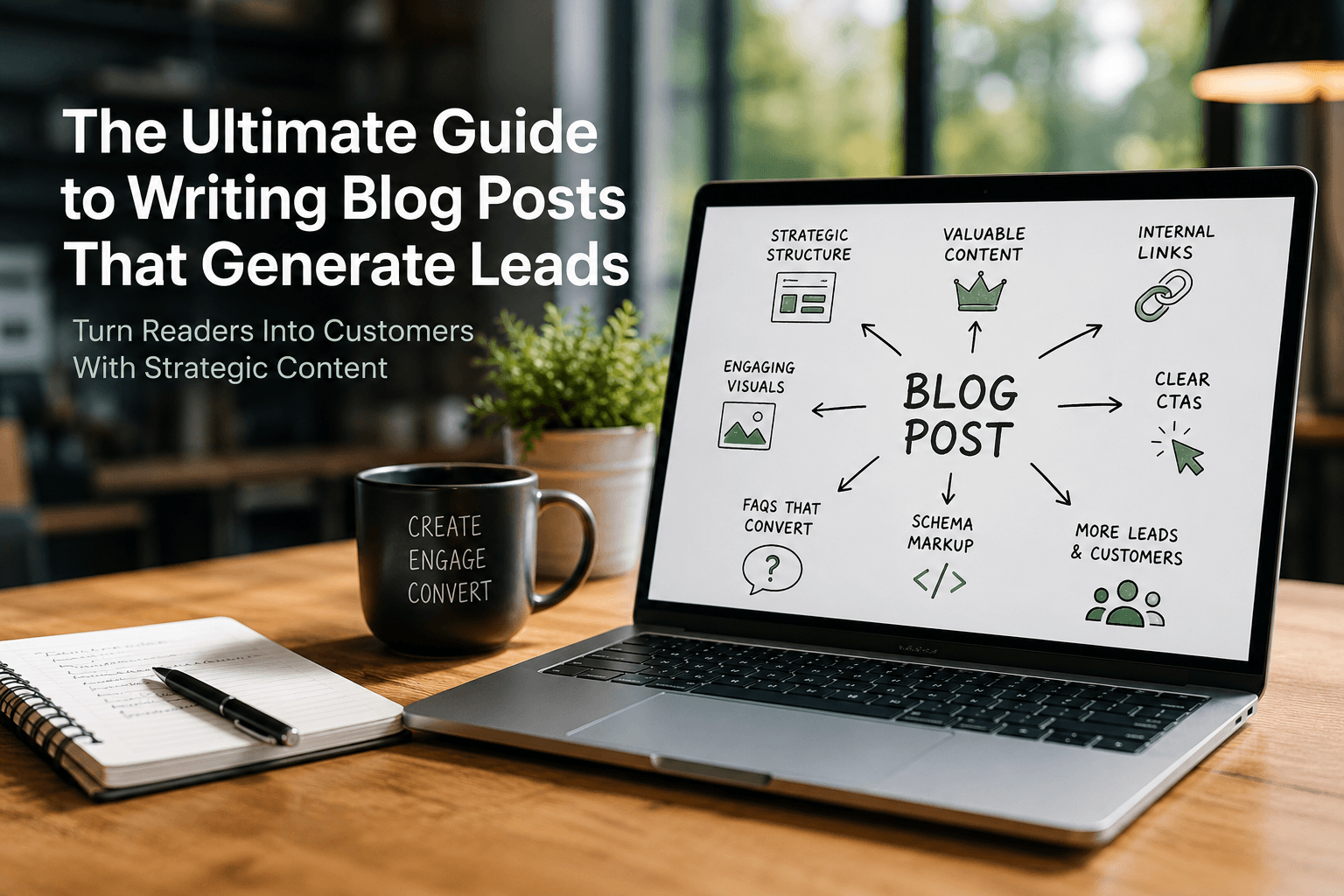
A blog post that ranks well and generates traffic but generates zero leads has only done half its job. Turning visitors into leads isn’t about tacking a “Contact Us” button onto the bottom of an article, it’s a set of deliberate structural and content choices made throughout the piece.
Here’s how to build blog posts that are engineered to convert from the first sentence.
1. Structure The Post Around A Reader’s Journey, Not Just A Topic
A lead-generating post typically moves through a clear arc: hook the reader with their actual problem, demonstrate genuine understanding of it, deliver real value, and then guide them toward a next step. A useful structure:
- Opening (1–2 short paragraphs): name the reader’s problem specifically, so they immediately recognise themselves in it.
- Body: deliver the substance, organised under clear, descriptive H2s and H3s that double as a scannable outline.
- Proof or example: a real case, data point, or specific detail that builds credibility (this also happens to be exactly what both readers and AI search engines respond to — see our guide on why helpful content matters more than keywords).
- Close: summarise the key takeaway and transition naturally into a call to action.
Avoid burying the CTA at the very bottom of a long post as an afterthought, readers who are ready to act shouldn’t have to scroll past everything to find a way to do it.
2. Write CTAs That Match Reader Intent
Not every reader is ready for the same ask. Matching your CTA to where the reader likely is in their decision reduces friction and increases conversions.
- Early-stage readers (informational intent): offer something low-commitment, a related guide, a checklist, a newsletter signup.
- Mid-stage readers (comparing options): offer something that helps them evaluate, a comparison page, a case study, a calculator or tool.
- Late-stage readers (ready to act): offer something direct, a demo, a quote, a consultation booking.
A few practical CTA principles:
- Be specific about what happens next (“Book a 15-minute audit call” beats “Learn more”).
- Use more than one CTA in longer posts, an inline, contextual one partway through, and a clearer one at the end.
- Make the CTA visually distinct enough to notice, without disrupting the reading experience.
3. Use Internal Linking To Build A Path, Not Just SEO Value
Internal links do double duty: they help search engines understand your site structure, and they actively guide a reader toward content, or a product page, that moves them closer to converting.
- Link to relevant product or service pages naturally within the body, where the context makes sense, not just in a “related posts” block at the end.
- Link to supporting content (a related guide, an FAQ, a case study) that answers objections the reader might have before they’re ready to convert.
- Use descriptive anchor text that tells the reader (and search engines) exactly what they’ll find, rather than generic “click here” links.
4. Use Images To Support The Argument, Not Just Decorate The Page
Images that genuinely earn their place, screenshots, diagrams, before/after comparisons, real photos of a product in use, build trust and comprehension in a way stock photography rarely does.
- Prioritise original images (screenshots, product photos, custom diagrams) over generic stock photos wherever possible; they’re also a strong experience signal for E-E-A-T.
- Compress and properly size every image, a slow-loading post loses readers before the CTA ever gets seen.
- Write genuinely descriptive alt text, both for accessibility and because it helps search engines (and AI systems) understand the image’s role in the content.
5. Add FAQs To Handle Reader Objections Before They Disappear
An FAQ section near the end of a post is one of the highest-leverage additions for lead generation, because it directly addresses the hesitations that stop a reader from converting.
- Base FAQs on real objections from sales calls and customer conversations, not generic guesses.
- Keep each answer short and complete enough to resolve the concern on its own.
- Where appropriate, let an FAQ answer double as a soft CTA (“…which is exactly why we offer a free trial, you can start one here”).
FAQs also make content easier for AI search engines to extract and cite (see our guide on what Generative Engine Optimisation is and why it matters), which means well-built FAQ sections can bring in qualified traffic from AI-driven search as well as Google.
6. Mark Up the Post With Schema
Structured data doesn’t just help search engines, done well, it improves how your post appears in results, which affects click-through and, ultimately, lead volume.
- Article schema, including author and publish/update dates, to support credibility and trust signals.
- FAQPage schema for any FAQ section, which can also earn rich results in Google’s search listings.
- Organisation schema on your site more broadly, so your brand is clearly identifiable to both search engines and AI systems.
Putting It Together
A blog post that generates leads isn’t a different kind of post from one that ranks well, it’s the same well-structured, genuinely useful content, with deliberate choices layered on top: a clear reader journey, CTAs matched to intent, internal links that guide rather than just decorate, and proof elements (images, data, FAQs) that remove hesitation.
Get the SEO fundamentals right first, then build the conversion layer on top of that foundation, traffic without a path to convert is only half the win.